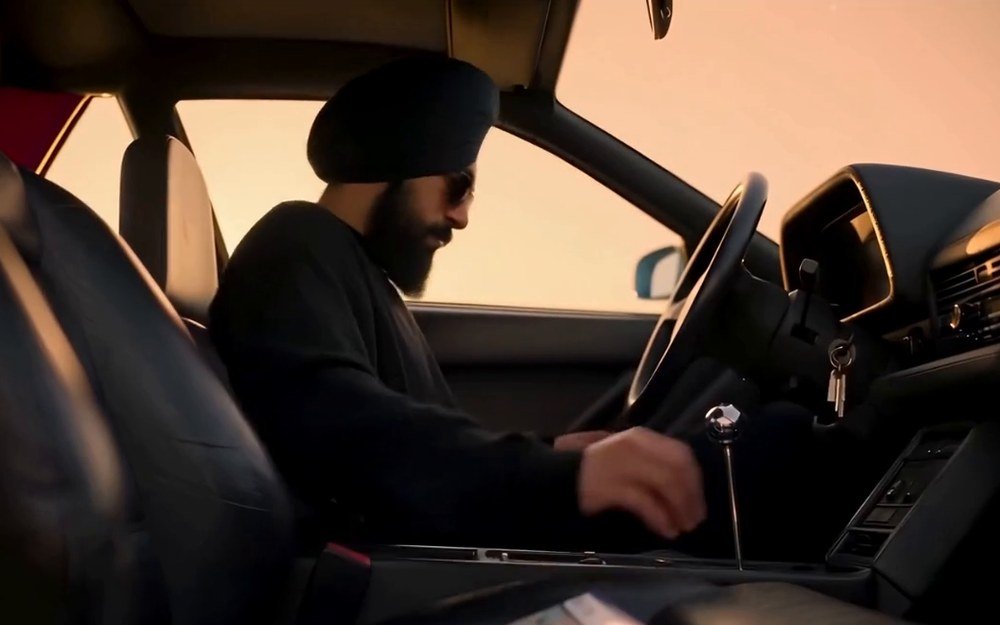
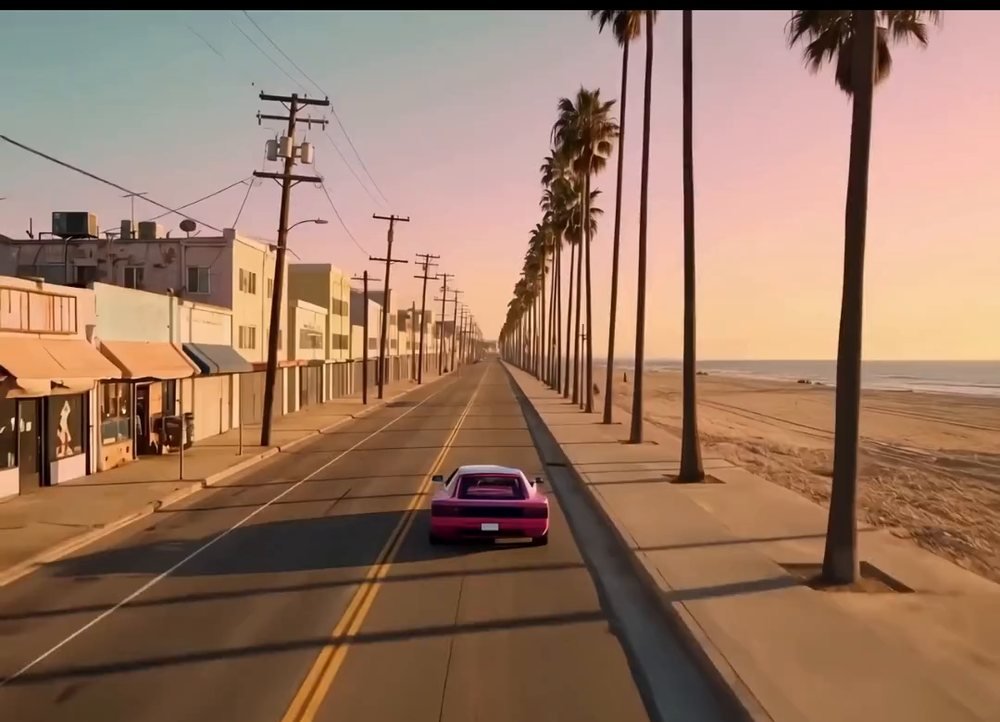
GTA 6 is finally out, and everyone wants to see themselves in it. This free GTA 6 AI video prompt lets you put yourself in GTA 6 style scenes: it replaces a character in any game-style video with your own character, keeping the same scenes, camera moves and lighting. I made mine with Pollo AI’s Story tool, and it looks like the character was designed for the game.
A scene from my AI video: the sunset drive, made with Pollo AI.
How to put yourself in GTA 6 with AI
The process is simple: you give the AI a clear reference of your character and a game-style video clip, and the prompt below tells it to swap the original character for you while keeping everything else. The full step-by-step instructions are below the prompt.
Why this GTA 6 AI video prompt works
It locks your identity: face, hairstyle, clothing and accessories stay exactly the same in every shot.
It matches the game’s art style, so you don’t look pasted on top of the scene.
It keeps the original story, camera angles and lighting, so the result feels like a real trailer.
START Use the provided character reference as the exact identity and appearance guide. Replace the original [character to replace, e.g. the young male character] with my character, ensuring he fits naturally into the scene. Preserve his exact facial structure, hairstyle, clothing, accessories, skin tone and body proportions. Do not add [clothing items to avoid, e.g. a beanie or hoodie] or any clothing that is not present in the reference.
ART STYLE AND VISUAL INTEGRATION The character must share the same artistic rendering, lighting, texture and visual quality as the surrounding scene. Avoid photorealism, 3D rendering, plastic-looking skin, exaggerated anime proportions or a character-pasted-on appearance.
SCENE INTEGRATION Make him fit the original scene's perspective, scale, camera angles and physical environment. Adapt his posture and movements naturally to each shot while keeping his identity and outfit consistent. Maintain the original cinematic storytelling, character interactions, background, environment and lighting. Ensure his clothing moves naturally with his body and that his [hairstyle and accessories, e.g. hairstyle and sunglasses] remain consistent across every frame.
FINAL REQUIREMENT The result should look as though this character was originally designed for and animated within the scene. Preserve the character reference faithfully. Do not redesign, simplify, reinterpret or replace any of his defining features. END
Yes, the prompt is free to copy. You’ll need an AI video tool like Pollo AI to generate the video; use code JAS10 for 10% off.
Can I put my own face in GTA 6 with AI?
Yes. Upload a clear photo or a character sheet of yourself as the reference, and the prompt keeps your face, outfit and accessories the same in every shot.
Which AI tool is best for GTA 6 style videos?
I used Pollo AI’s Story tool, which handles character replacement in videos well. Other video tools with character reference support can also work.
Can I use this prompt for other games?
Yes. It works with any game-style or cinematic clip. Just change the character details in the brackets.
Is this official GTA 6 content?
No. This is a fan-made AI video idea and isn’t affiliated with Rockstar Games or Take-Two. Use clips you have the right to edit, such as your own gameplay recordings.
We use cookies for analytics to understand how visitors use PromptSingh. You can accept or decline.
Functional
Always active
The technical storage or access is strictly necessary for the legitimate purpose of enabling the use of a specific service explicitly requested by the subscriber or user, or for the sole purpose of carrying out the transmission of a communication over an electronic communications network.
Preferences
The technical storage or access is necessary for the legitimate purpose of storing preferences that are not requested by the subscriber or user.
Statistics
The technical storage or access that is used exclusively for statistical purposes.The technical storage or access that is used exclusively for anonymous statistical purposes. Without a subpoena, voluntary compliance on the part of your Internet Service Provider, or additional records from a third party, information stored or retrieved for this purpose alone cannot usually be used to identify you.
Marketing
The technical storage or access is required to create user profiles to send advertising, or to track the user on a website or across several websites for similar marketing purposes.