
Start here
Learn AI Video
for Free
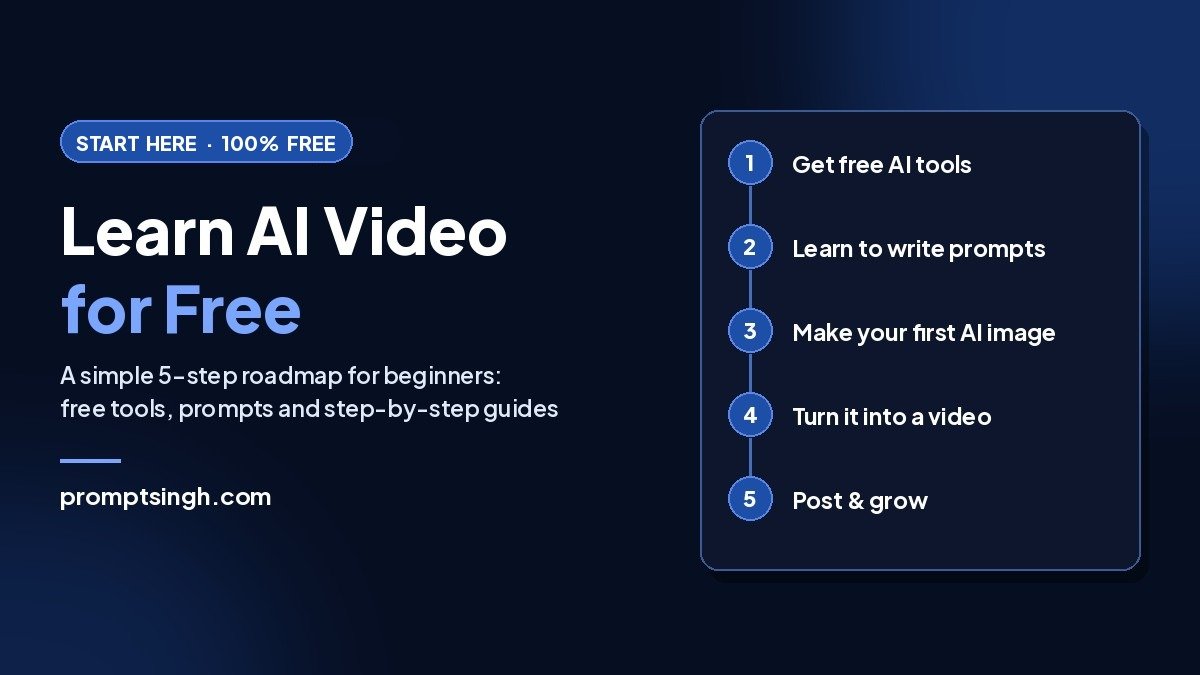
Want to learn AI video for free but don’t know where to start? You don’t need to pay for anything. Follow these 5 steps in order, using free tools and my free prompts, and you’ll make your first AI video this week.
On this page
Step 1: Get free AI tools (best for AI video beginners)
You can start with tools you already have:
- Google Gemini and ChatGPT for AI images (both have free versions).
- Google Flow for AI videos: it gives every user free daily credits for Google’s video models.
Tip: free tools have daily limits, so plan your best ideas first and don’t waste generations on tests.
Step 2: Learn to write good prompts
A good prompt is the difference between a random result and the image you imagined. The fastest way to learn is to build them step by step:
- Use my free prompt builder: describe your scene, then pick the style, lighting, camera angle and lens.
- Browse the free AI prompt library and copy prompts that already work.
Step 3: Make your first AI image
Start with something simple and fun. These prompts work great for beginners:
- 1970s vintage photo portrait
- AI character reference sheet, which keeps your character consistent across images and videos
- Diwali couple photo prompts for festive portraits
Step 4: Turn it into a video
Once you have an image you like, bring it to life:
- How to make realistic AI videos: my beginner’s guide, step by step.
- How to make an AI lip sync video: make a character speak or sing.
- Trending video prompts, like the viral coffee AI video.
- How to make an AI clone video of yourself: a talking-head Reel without filming.
Step 5: Post and grow
- Post short videos (7–15 seconds) as Reels, and put the most surprising moment in the first second.
- Jump on trends early: I share new trending prompts every week on my WhatsApp channel.
- Using Claude? See the 10 best free Claude skills for creators to plan and write your content faster.
- Instagram Edits on desktop + Claude AI: edit your Reels on a big screen.
That’s the whole roadmap. You now have everything you need to learn AI video for free, one step at a time. Bookmark this page and come back whenever you’re ready for the next step.
AI video for beginners: 5 mistakes to avoid
- Writing one-line prompts. “A man on a rooftop” gives random results. Describe the subject, setting, lighting and camera, or use the prompt builder.
- Trying to make long videos. AI tools work best in short 5–10 second clips. Make several short clips and join them.
- Skipping the image step. Most realistic AI videos start from a good image. Get the image right first, then animate it.
- Changing everything at once. If a result is wrong, change one thing in your prompt at a time, so you learn what works.
- Wasting free credits. Test your idea with an image first, and only spend video credits on prompts that already look good.
Get 25 free prompts in your inbox
Get my free Starter Prompt Pack
Get my free Starter Prompt Pack: 25 copy-paste prompts for AI photos, videos and ChatGPT, sent straight to your inbox.
Want faster results? Learn 1:1 with me
Want personal help?
Book a 1:1 AI video session with me on Google Meet. We’ll fix your prompts or build your workflow together.
See 1:1 sessionsFound this useful?
Share it with a friend, or get new AI prompts and trends first on my WhatsApp channel.
FAQ
Can I really learn AI video for free?
Yes. Google Gemini, ChatGPT and Google Flow all have free versions, and every prompt and guide on PromptSingh is free.
Do I need a powerful computer?
No. All these tools run in your browser or on your phone, so any device with internet works.
How long does it take to make my first AI video?
Most beginners make their first short AI video within an hour by following steps 2 to 4.
Which AI video tool is best for beginners?
Google Flow is the easiest free option to start. Once you’re comfortable, tools like Kling and Pollo AI give you more control.